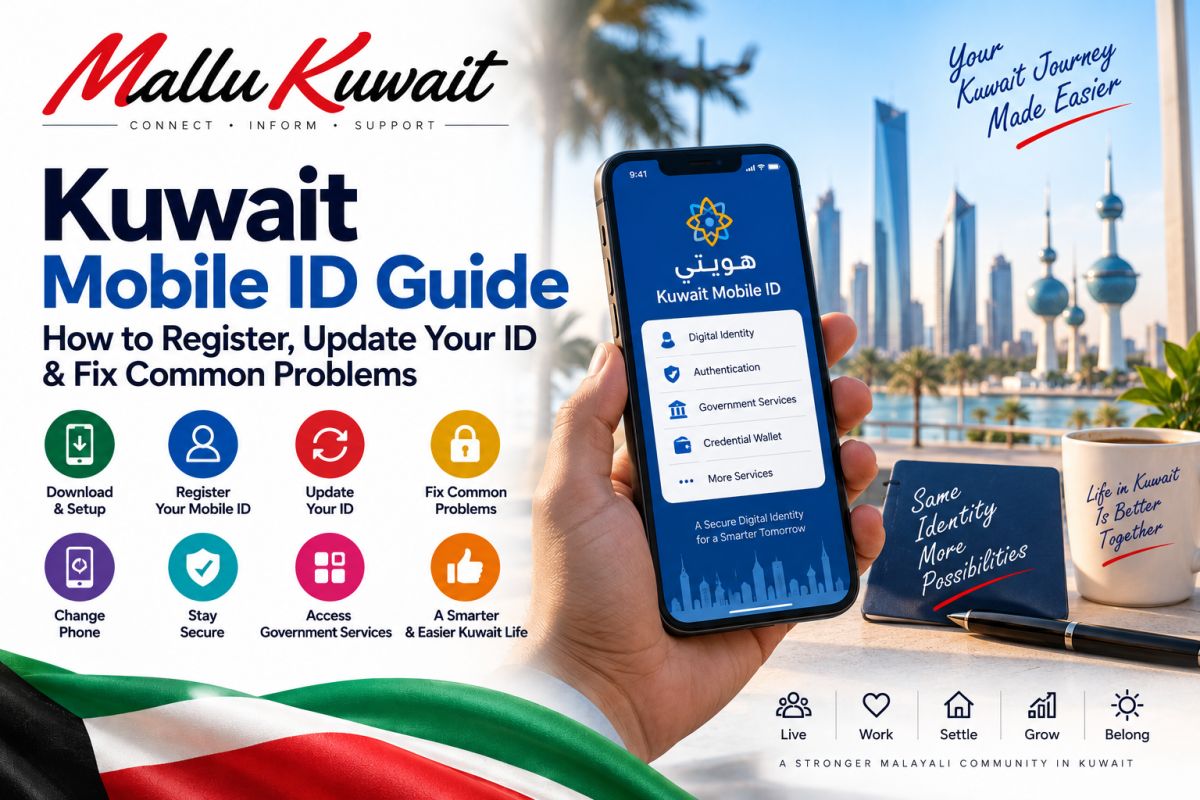
📱 Kuwait Mobile ID Guide: How to Register, Update Your ID & Fix Common Problems
Kuwait Mobile ID — commonly called Hawyti — is one of the most useful digital services to set up after becoming a resident of Kuwait.
It gives you a PACI-issued digital identity on your smartphone and can be used for identity verification and authentication with supported government and private-sector services.
This guide focuses on the practical questions: how to register, what a new resident should do before receiving the physical Civil ID, how to update Mobile ID after renewal, what to do if your PIN is locked, and what happens when you change or lose your phone.
What is Kuwait Mobile ID?
Kuwait Mobile ID is the official mobile-based digital identity issued by Kuwait's Public Authority for Civil Information — PACI.
Depending on your verification level and available services, Mobile ID can support:
Digital identity verification • Authentication to supported electronic services • Government credential wallet • QR-based verification • Sharing supported credentials • Digital signatures where the required verification level is enabled
The credential wallet can also contain supported government-issued credentials.
Download Kuwait Mobile ID from the official source
Do not install an application from a link sent through an unknown WhatsApp message, SMS or advertisement.
Use PACI's official Mobile ID download page to reach the supported application stores.
How to register Kuwait Mobile ID
PACI's current mobile-registration process asks for information including:
Civil number • Civil ID card serial number or Mobile ID serial number • Passport number for non-Kuwaitis • Email address • Mobile number
The app then uses identity verification, including a selfie and an OTP sent to the mobile number entered during registration.
You will also create a PIN for your Mobile ID.
Never give your OTP or Mobile ID PIN to another person.
New to Kuwait and still waiting for your physical Civil ID?
This is particularly useful for new residents.
PACI says new residents who are issuing their first Civil ID can obtain Kuwait Mobile ID even if they have not yet received the physical Civil ID card.
For a first Civil ID application, PACI's registration instructions say to use the Mobile ID serial number received by SMS from PACI after the Civil ID issuance fee has been paid.
That means you should not automatically assume you must wait until the plastic Civil ID card has been printed before checking whether Mobile ID registration is available to you.
If you have only recently arrived in Kuwait, our complete newcomer guide explains the broader process:
Your Civil ID and Mobile ID are connected
Mobile ID is derived from your Civil ID information.
That makes PACI information important when your residency or Civil ID details change.
If you are still dealing with Civil ID registration, collection, status or delays, use our detailed Civil ID guide:
How to update Mobile ID after your Civil ID changes
Renewing your residency or Civil ID does not mean you should ignore the information displayed inside Mobile ID.
PACI provides an update process for refreshing your Mobile ID data.
According to PACI, you should first have submitted the relevant new Civil ID issuance request.
The app may then show a renewal/update message.
You can also go to the management area of Mobile ID and check for updates.
When prompted, enter your Mobile ID PIN and complete the update.
Mobile ID says it is not active
If Mobile ID becomes inactive after your Civil ID expires, first make sure the underlying Civil ID/residency process has been completed correctly.
PACI's current FAQ advises users who have renewed their Civil ID to use the update function in Mobile ID so that the digital identity can be refreshed.
Do not repeatedly create new accounts simply because old information is showing.
Check the underlying Civil ID status and then use the official update procedure.
Forgot or locked your Mobile ID PIN?
The recovery method can depend on how your Mobile ID was originally enrolled.
PACI's FAQ distinguishes between Mobile IDs enrolled through online registration and those enrolled using a kiosk or service centre.
For online registration, PACI provides PIN reset/unlock options.
For kiosk/service-centre enrollment, PACI may require the appropriate kiosk/service channel for PIN recovery.
If the normal recovery option does not solve the problem, use PACI Mobile ID support rather than giving your details to an unofficial third party.
Changing to a new phone
Kuwait Mobile ID is not designed to have your identity active on multiple phones simultaneously.
PACI says one Mobile ID can be issued on only one mobile device at a time.
If you are intentionally changing phones, PACI advises cancelling Mobile ID on the old phone and registering on the new device.
Do this while you still have access to the old phone whenever possible.
What if your phone is lost or stolen?
If your phone containing Mobile ID is lost or stolen, act quickly.
PACI says that if another phone is available, you can download the Mobile ID app and register again.
Registering again on the new phone revokes the previously issued Mobile ID.
Also follow the normal security steps for a lost phone, including securing your phone account, SIM and other sensitive applications.
Incorrect name, passport number or other information
Do not assume that reinstalling Mobile ID will correct incorrect government data.
If Mobile ID displays incorrect underlying personal information, the source data may need to be corrected through the responsible authority first.
PACI's FAQ specifically advises users receiving incorrect-data errors to verify the underlying information with the Ministry of Interior.
Once the underlying information and Civil ID issuance process have been corrected, Mobile ID can then be updated.
Authentication failed when using another service
Sometimes Mobile ID itself is working but authentication fails while accessing a particular bank, ministry or other service.
In that situation, the problem may be with the service you are trying to access rather than with your Mobile ID.
PACI advises contacting the relevant service provider when authentication to that provider fails.
This can save you from unnecessarily deleting or reinstalling a working Mobile ID.
Mobile ID verification levels matter
Not every Mobile ID enrollment method provides exactly the same capabilities.
PACI distinguishes between different verification levels.
Mobile registration provides digital identity and authentication capabilities, while PACI's qualified verification level can enable stronger features such as digital signatures.
If you specifically require digital-signature functionality, check PACI's current requirements rather than assuming normal mobile enrollment automatically provides every feature.
Mobile ID self-service kiosks
PACI also maintains Mobile ID self-service kiosks.
These can be relevant for qualified enrollment, digital-signature capability and certain PIN-related situations.
Kiosk locations can change, so do not rely on an old social-media list.
Check PACI's current kiosk-location page before travelling.
Can Mobile ID replace the physical Civil ID?
PACI states that Kuwait Mobile ID is a legal digital identity issued and accredited by PACI and can be used as a digital identity in place of the physical Civil ID.
However, keeping your physical Civil ID safe remains sensible because particular situations or processes may still require it.
What is the Credential Wallet?
Kuwait Mobile ID includes a government credential-wallet framework.
Depending on what is available for your account, supported credentials can be added and viewed through the wallet.
PACI lists examples including government-issued credentials such as driving licences, birth certificates and vehicle registration information.
The wallet also supports features such as QR verification and sharing for supported credentials.
Security rules worth remembering
Your Mobile ID is an identity credential, not simply another phone application.
Never share your Mobile ID PIN. • Never share an OTP sent for Mobile ID registration or authentication. • Do not approve an authentication request you did not initiate. • Install Mobile ID only through official application-store links. • Secure your phone with a strong screen lock. • If your phone is lost, take action quickly. • Do not send sensitive identity information to strangers claiming they can “fix” Mobile ID. • Use PACI support when you cannot resolve an account problem.
Quick troubleshooting checklist
Mobile ID not updating?
Check whether the underlying Civil ID issuance or renewal process has been completed, then use Mobile ID's update function.
Forgot PIN?
Use the official recovery method appropriate to your enrollment type.
Changed phone?
Cancel Mobile ID on the old phone when possible and register on the new phone.
Lost phone?
Register Mobile ID on another available phone and secure your lost device and SIM.
Incorrect personal data?
Correct the underlying government information first rather than repeatedly reinstalling Mobile ID.
Authentication fails only with one service?
Contact that particular service provider.
Still cannot solve the problem?
Use PACI's official Mobile ID support.
Final advice
For many residents, Kuwait Mobile ID becomes one of the most useful applications on the phone.
Set it up carefully, keep the PIN private and make sure the information remains updated after changes to your residency or Civil ID.
For a new resident, Mobile ID should be viewed as part of a bigger setup process — residency, Civil ID, Mobile ID, Sahel, banking and other essential services all connect together.
Government applications, procedures and available features can change. Always check PACI's current instructions before completing an important identity transaction.
Official reference: Public Authority for Civil Information — Kuwait Mobile ID.
Last verified: September 2026.
Related Guides
New to Kuwait? What to Do After You Arrive — A First-Time Expat Guide
Kuwait Civil ID Guide: Check Status, Collect Your Card & What to Do If It’s Delayed
💬 Comments (0)
💬
No comments yet. Be the first to comment!
