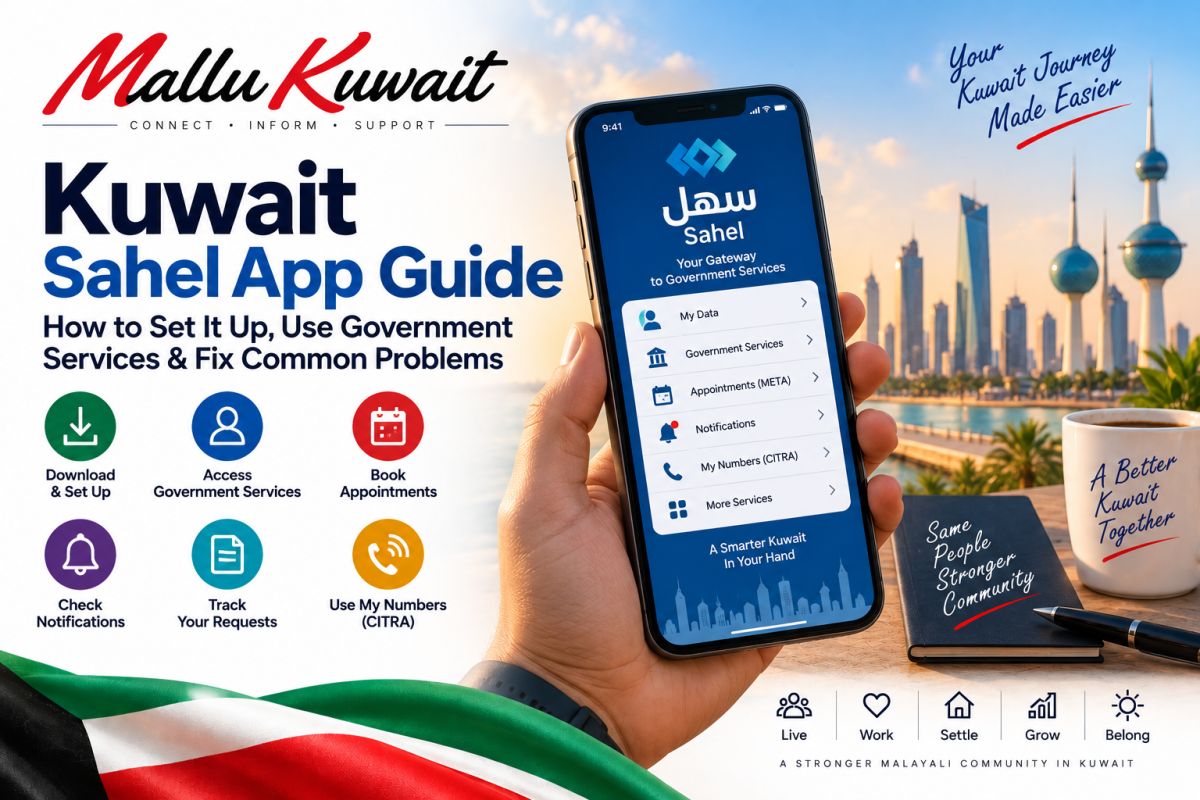
📲 Kuwait Sahel App Guide: How to Set It Up, Use Government Services & Fix Common Problems
If you live in Kuwait, Sahel is one of the most important government applications to have on your phone.
Instead of visiting different government offices for every transaction, Sahel brings services from many Kuwait government entities into one application.
But simply installing Sahel is not enough.
The useful part is knowing what to check, where to find your transactions and notifications, how appointments work, and what to do when a service does not work as expected.
This guide focuses on those practical things.
What is the Sahel app?
Sahel is Kuwait's official unified government application for electronic services.
It is designed for both citizens and residents.
Through Sahel, government entities can provide electronic services, send notifications, show transaction information and provide other digital government functions.
The exact services available can change as government entities add or modify their electronic services.
For that reason, MalluKuwait does not maintain a fixed list claiming that every service will always be available.
Download the correct Sahel app
Be careful when searching for government applications.
Use the official Kuwait Government Online page or the verified application-store listing rather than downloading an APK or following an unknown WhatsApp link.
The official Sahel application is provided by Kuwait's Public Authority for Civil Information.
What can you do through Sahel?
Sahel acts as a gateway between you and participating Kuwait government entities.
Its official functions include areas such as:
Viewing government-related data and document status • Accessing electronic government services • Receiving official notifications and reminders • Tracking the status of requests and transactions • Paying fees where the particular service supports payment • Accessing government appointments • Viewing announcements from government entities
Do not assume every ministry offers every transaction electronically.
Open the relevant government entity inside Sahel and check the services currently available for your account.
Why notifications inside Sahel matter
Do not treat Sahel notifications like ordinary promotional notifications.
Government entities can use Sahel to send information related to services, requests and transactions.
Make a habit of checking the Notifications area.
A useful routine is:
Check new government notifications • Read the government entity name • Check whether action is required • Confirm the transaction inside Sahel • Avoid acting on suspicious external links claiming to be Sahel
If you receive an SMS telling you to make an urgent government payment, do not automatically trust the link in the message.
Open Sahel yourself and verify whether the transaction or payment actually exists.
Government appointments through Sahel
Sahel includes access to government appointments through Kuwait's META central appointment platform.
Where an appointment is required, check the relevant appointment service and available slots.
Appointment availability can change.
Do not rely on an old screenshot, social-media post or somebody else's appointment experience as proof that the same slots are available today.
Always check the live system.
Check the status of your requests
One major advantage of Sahel is that you may be able to track government requests electronically instead of repeatedly visiting an office.
After submitting a service:
Keep note of what you submitted • Check the request status • Watch your Sahel notifications • Keep any transaction/reference information • Follow instructions issued by the responsible government entity
If a request remains pending, first identify which government entity owns that transaction.
Sahel is the platform, but the underlying service is provided by the relevant government authority.
A very useful new feature: My Numbers
In August 2026, Kuwait's Communication and Information Technology Regulatory Authority — CITRA — launched the “My Numbers” service through Sahel.
This is particularly useful for residents.
The service allows citizens and residents to view mobile numbers and telecommunications services registered under their names with telecommunications companies in Kuwait.
Why should you check this?
Because a number registered under your identity that you do not recognize deserves attention.
CITRA specifically encouraged users to review the numbers registered under their names to help ensure the accuracy and integrity of their personal information.
What should you do after checking My Numbers?
Review the displayed numbers carefully.
If everything belongs to you, no action may be necessary.
If you find a number or telecommunications service you do not recognize, do not ignore it.
Contact the relevant telecommunications provider and, where necessary, use CITRA's official consumer channels for guidance.
Do not send your Civil ID, OTP or banking information to somebody on social media claiming they can remove the number for you.
Sahel and Kuwait Mobile ID are different
Sahel and Kuwait Mobile ID serve different purposes.
Kuwait Mobile ID is your PACI-issued digital identity and authentication tool.
Sahel is the unified government-services application.
They work within Kuwait's broader digital-government ecosystem, so Mobile ID authentication may be relevant when accessing digital services.
If you have problems with Kuwait Mobile ID itself, solve the Mobile ID issue rather than repeatedly reinstalling Sahel.
Sahel does not show the service I need
This does not necessarily mean your account is broken.
Possible reasons include:
The government entity does not currently provide that transaction through Sahel • The service has moved or changed • Your account is not eligible for that particular service • A prerequisite has not been completed • The underlying government record has not updated • The service may temporarily be unavailable
First identify the responsible government entity.
Then check its current services inside Sahel or its official government channel.
Avoid following old YouTube videos step-by-step when the interface or government procedure has changed.
A transaction is still showing old information
Sahel displays information supplied through government systems.
If the underlying government record has not been updated, reinstalling Sahel may not solve the problem.
For example, if the issue relates to Civil ID or residency information, first confirm that the relevant government process has actually been completed.
Then check again after the government systems have updated.
Sahel login or authentication is failing
Start with the basics:
Confirm your internet connection • Make sure Sahel is updated • Restart the application • Confirm your Civil ID information is current • Check whether Kuwait Mobile ID is working normally • Try again later if a government service appears temporarily unavailable
If Mobile ID itself is the problem, use PACI's Mobile ID support process.
If only one particular government service fails while the rest of Sahel works, the issue may belong to that government entity rather than Sahel generally.
Changed your phone?
When moving to a new phone, make sure your Kuwait Mobile ID and other identity-related applications are correctly set up.
Do not delete access from the old device until you understand what is required for transferring or re-registering your digital identity.
Once your identity services are working correctly, install/update Sahel through the official application store and sign in through the supported process.
Sahel is useful for more than submitting applications
Many people open Sahel only when they already need a government service.
That misses part of its value.
Use it periodically to check:
Notifications • Government request status • Document/status information • Appointments • Available services • Government announcements • My Numbers
A quick check can sometimes reveal something that needs attention before it becomes urgent.
Be careful with fake Sahel payment messages
Government-service popularity also makes familiar names attractive to scammers.
Be suspicious of messages saying things such as:
“Your Civil ID will be blocked.”
“Pay immediately.”
“Your Sahel account will expire.”
“Update your bank details.”
Do not enter payment-card information or identity credentials merely because a message contains a government logo.
Instead:
Open Sahel directly • Check the actual notification or service • Verify the responsible government authority • Use official payment channels • Never share an OTP with another person
Keep your contact information current
Government digital services work best when your identity and contact information are accurate.
If your phone number or other important information changes, update it through the appropriate official process.
Sahel updates have also introduced contact-information features, so keep the application current and check what options are presently available to your account.
English language availability
Sahel supports English, but individual government service content can vary because services are supplied by different government entities.
If a particular service remains difficult to understand, identify the responsible government authority and check whether it provides official English guidance.
Do not guess the meaning of an important legal, residency or payment instruction.
Before paying anything through a government service
Check:
The government entity • What service you are paying for • The amount displayed by the live system • The person/Civil ID/transaction involved • Whether the payment succeeded • Whether you received confirmation
We deliberately do not publish fixed Sahel fees in this guide.
Government fees depend on the service and can change.
Use the amount shown by the official government system when completing the transaction.
Quick Sahel troubleshooting checklist
Cannot log in?
Check the app version, connection, Civil ID status and Mobile ID.
Service missing?
Check the relevant government entity and whether the service is currently available for you.
Old information showing?
Verify that the underlying government transaction has actually been completed.
No appointment available?
Check the live appointment system again later rather than relying on old availability information.
Payment problem?
Do not immediately pay twice. First verify whether the original transaction was completed.
One government service fails but everything else works?
The problem may be with that particular government service.
Unknown telecom number under your name?
Use My Numbers to identify it and contact the relevant telecom provider/CITRA through official channels.
A simple Sahel routine for Kuwait residents
You do not need to open Sahel every day.
But it is worth checking periodically and whenever you are dealing with an important government transaction.
A simple routine:
Check notifications • Check pending requests • Check upcoming appointments • Review important document/status information • Check My Numbers occasionally • Keep Sahel and Mobile ID updated
This turns Sahel from an app you remember only during an emergency into a useful part of managing life in Kuwait.
Final advice
Sahel is becoming an increasingly important gateway to Kuwait's digital government services.
Use it as the starting point for government transactions, but remember that the actual service and underlying records belong to the relevant government entity.
When something looks wrong, identify the responsible authority instead of repeatedly reinstalling the application.
And whenever a message asks for money, identity information or an OTP, verify it inside the official application before doing anything.
Government services and app features change over time. MalluKuwait recommends checking the live Sahel app and official Kuwait government sources before completing an important transaction.
Kuwait Government Online, Sahel official application information and Kuwait Communication and Information Technology Regulatory Authority.
Last verified: September 2026.
Related Guides
New to Kuwait? What to Do After You Arrive — A First-Time Expat Guide
Kuwait Mobile ID Guide: How to Register, Update Your ID & Fix Common Problems
Kuwait Civil ID Guide: Check Status, Collect Your Card & What to Do If It’s Delayed
💬 Comments (0)
💬
No comments yet. Be the first to comment!
